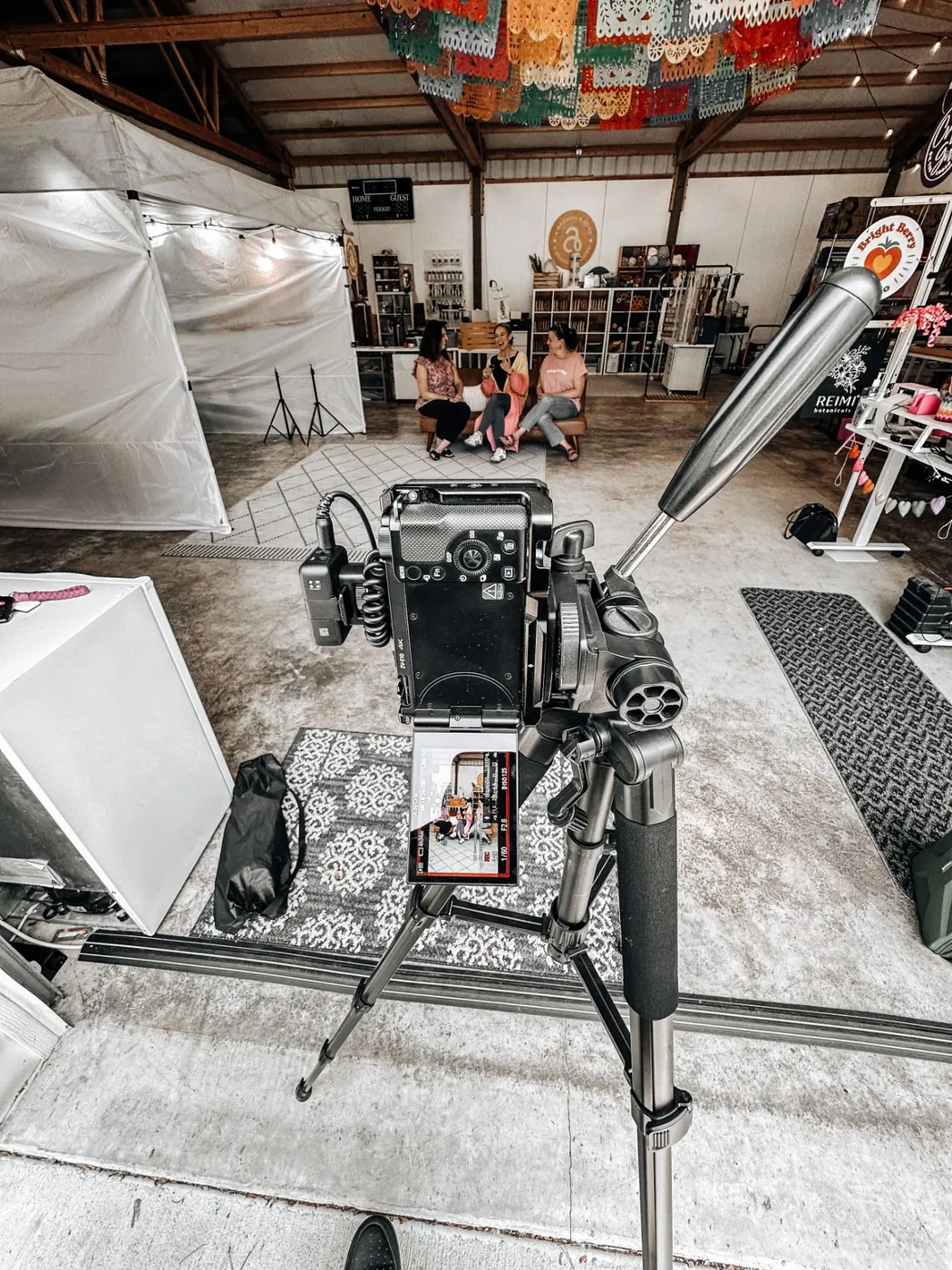

A good brand photo shoot can fuel months of content: your website, your social media, your ads, and your Google Business Profile. A rushed one gives you a folder of nice photos you never quite use.
The difference is almost always the preparation. Here’s the checklist we walk our clients through before every shoot.
Key takeaways
- Decide where every photo and video will be used before you plan anything else.
- Bring a shot list: headshots, you at work, team, space, details, b-roll and speaking videos.
- Use talking points, not a script, for speaking videos.
- Use the content right away, and plan the next shoot so your feed never goes stale.
Start with the why
Before you think about outfits or locations, answer one question: where will these photos and videos actually be used?
Your website needs a strong hero image and photos for each service page. Your social media needs variety, including vertical video for reels. Your Google Business Profile needs real photos of you, your team, and your space. If you plan with those uses in mind, you’ll come home with images that fill every one of those spots.
That’s why every shoot we do starts with a brand voice call. We align on goals, tone, and a shot list before the camera ever comes out.
Build your shot list
A shot list is the single most useful thing you can bring to a shoot. Here’s what most service businesses should include:
- Headshots. A clean, friendly portrait of each owner and key team member, plus a few relaxed options.
- You at work. Real moments of you doing the job, meeting with a client, or working on a project.
- The team. Group shots and candid moments together. People hire people they feel like they know.
- Your space or your work. Your office, studio, vehicles, tools, or finished projects.
- Details. Close-ups of your hands at work, your products, your branding, the little things that make you different.
- Vertical video and b-roll. Short clips of you working, walking through your space, or setting up. These become reels.
- Speaking videos. Short on-camera clips of you answering common customer questions.


Plan your speaking videos
Speaking videos make most people nervous. They’re also the content that builds trust fastest, because customers get to see and hear you.
01
Pick three to five topics
The questions customers ask you every week are perfect.
02
Write talking points, not a script
A few bullet points per topic will sound far more natural than reading.
03
Keep each one short
30 to 60 seconds is plenty for social media.
04
Practice once or twice out loud
Then let it go. Real beats perfect.
Choose your wardrobe
Do
- Bring two or three outfits for variety
- Choose solid colors
- Wear your brand colors, or colors that complement them
- Dress how your customers see you, like a branded polo on a job site
- Steam everything the night before and bring a lint roller
Don’t
- Wear busy patterns or small stripes
- Show big logos that aren’t yours
- Bring only one outfit
- Try a brand-new look you’ve never worn
Prepare your location
- Declutter. Clear counters, desks, and anything in the background you don’t want in your photos.
- Think about light. Natural light is best. Open the blinds and turn off harsh overhead lights when you can.
- Show your brand. Signage, branded items, and vehicles all help, as long as they’re clean.
- Have a backup spot in case of weather if you’re shooting outside.
Bring the tools of your trade
Props customers associate with your work make photos instantly recognizable. Bring your laptop or tablet too if part of your work happens on screen. Always get permission before featuring a client.
On the day of the shoot
01
Block the time
Most of our shoots run one or two hours. Don’t book calls in the middle of it.
02
Do the hardest shots first
Like speaking videos, while you have the most energy.
03
Keep your shot list handy
Check things off as you go.
04
Relax
A good photographer will guide you. Your only job is to be yourself.
After the shoot: make it last
This is where most businesses lose the value. To get months out of one shoot:
- Update your website with the new photos right away, especially your homepage and service pages.
- Refresh your Google Business Profile with new photos of you, your team, and your space.
- Build a content calendar that spreads the photos and videos out over the next few months.
- Plan the next shoot. Quarterly shoots keep your content fresh, so your feed never starts to feel repetitive.
Quick answers
How long does a brand photo shoot take?
Most of our shoots run one or two hours, on location or in studio.
How many outfits should I bring?
Two or three. It gives you variety, so your content doesn’t all look like it came from the same day.
How often should a business do a brand shoot?
Quarterly works well for most businesses that post consistently. It keeps your feed and website fresh.
Want it handled for you?
Our photo and video content shoots include a brand voice call, a one or two hour session on location or in studio, and fully edited photos, b-roll, and speaking videos delivered ready to post. Pair it with social media management and we’ll turn that one shoot into months of consistent content.
Book a free strategy call to plan your shoot.